

 Have you ever wanted to build a custom app for your computer or tablet? Do you have too many LEGO building sets and no organized way to keep track of them? Here is a free Claris FileMaker starter app to track, manage, and explore your LEGO sets—while experiencing the power of custom app development.
If your LEGO collection is growing faster than you can keep track of it, this simple yet powerful app gives you a better way to stay organized. Catalog your sets, track details, and keep everything in one place—no spreadsheets required. But this isn’t just a collection tracker.
It’s a hands-on introduction to how the Claris FileMaker platform can be used to build real-world solutions that organize data, automate workflows, and improve visibility across your business.
FileMaker 101 provides an overview of the FileMaker platform followed by a tutorial that explains step-by-step how to create a useful custom application solution you can use to manage your kids’ (or your own) LEGO collection. The video is about 1 hour long.
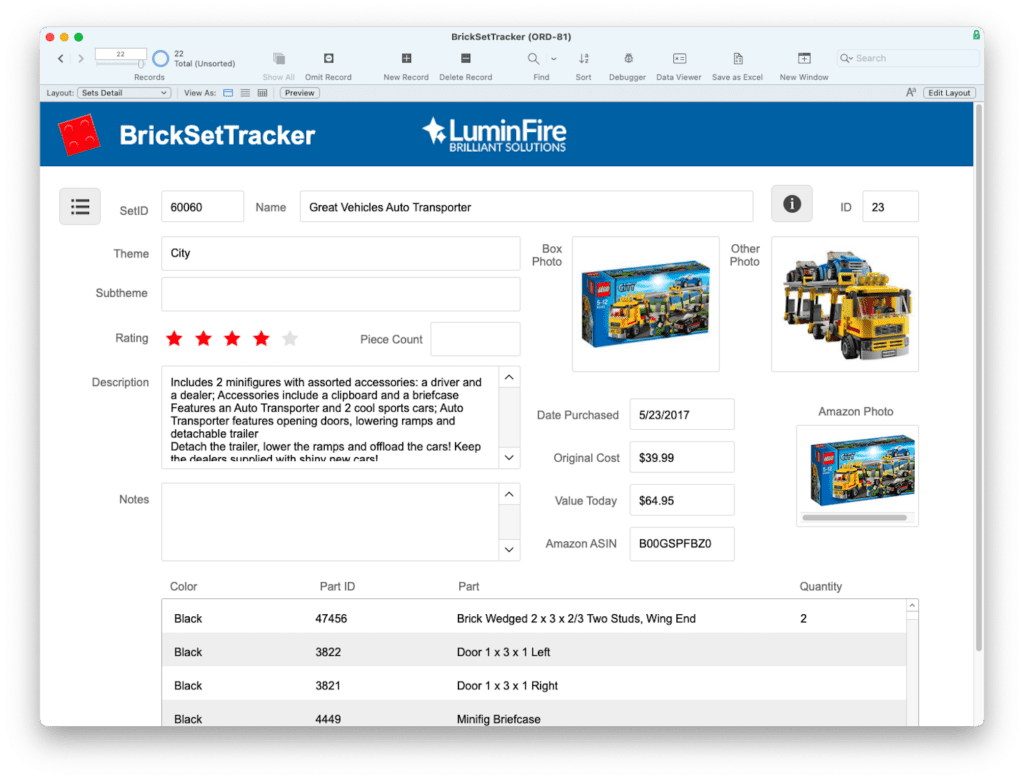
It’s a great introduction to the basic building blocks of programming and making use of the FileMaker Workplace Innovation Platform to make your business more effective, productive, and profitable. At the end of this course you will have a useful and functional app that you can fully customize however you like.
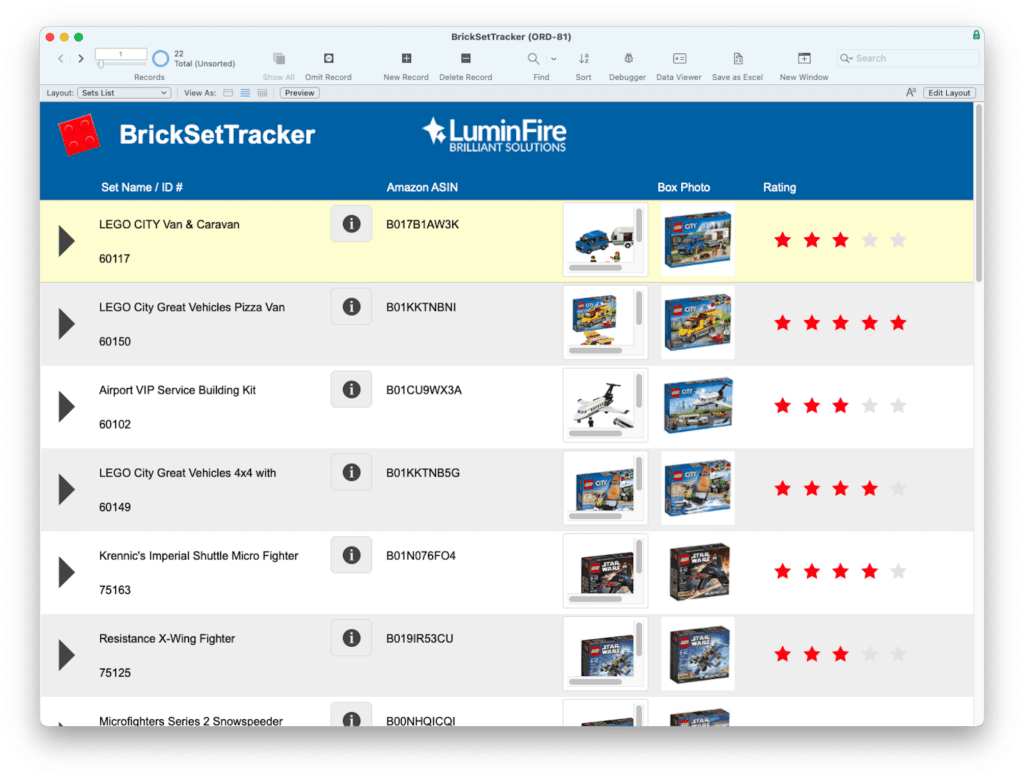
What You Can Do
- Track and organize your LEGO sets in one central system
- Store key details like set names, numbers, themes, and status
- Quickly search and filter your collection
- Experience a clean, intuitive FileMaker interface
What You’ll Experience
- How custom apps can replace scattered spreadsheets
- The core building blocks of FileMaker development
- How quickly tailored solutions can be created and adapted
From Hobby to Business Systems
This sample app is a simple example—but the same approach can power fully customized systems for operations, CRM, inventory, and more. That’s where LuminFire comes in. We design and engineer custom applications that connect your data, streamline your workflows, and give your team real-time visibility into what matters most.
Prerequisites for FileMaker 101:
1. Establish Your Platform. Download and install the trial version of Claris FileMaker on your macOS or Windows computer.
2. Get Content. Record the unique 4-8 digit set numbers from the LEGO instructions or an original box for all your sets.
3. Download the free assets and final app below.
5. Watch the video and follow along to build your own app…or simply use the completed app as it is.