

Let’s be honest: page builders like Elementor, Divi, or SeedProd look great on paper. You click a button, drag a widget, tweak a margin, and hand off a layout without touching a stylesheet. For a quick landing page or a disposable prototype, it feels like a cheat code.
If you’re managing a site for the long haul, maintaining a multi-environment deployment pipeline, or chasing performance scores, that visual flexibility comes with heavy technical interest. Page builders sell instant gratification to non-technical users, but they leave developers to deal with the architectural mess once the business is locked in.
Here’s a breakdown of why visual page builders eventually bite back—and why native workflows win out for serious projects.
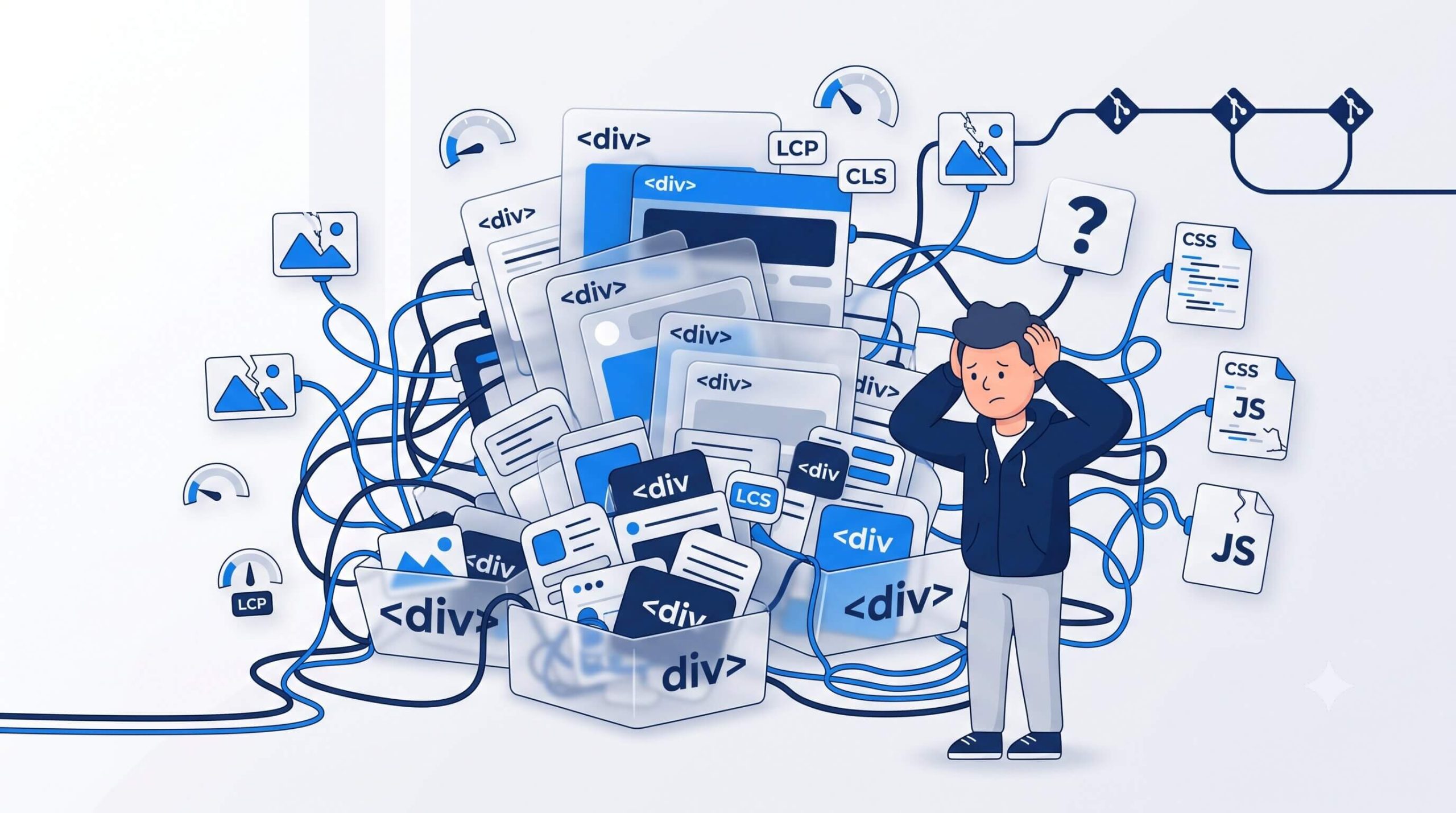
1. The Performance Penalty: DOM Depth and Asset Bloat
Visual builders attempt to solve every layout scenario through a single graphical interface. To give users the ability to drag, align, space, and animate every element, the builder has to output defensive markup.
That usually means wrapping a simple text block inside five or six nested container elements. Under the hood, this markup bloat creates real performance bottlenecks:
- Browsers spend extra processing time parsing massive Document Object Models, directly hitting Largest Contentful Paint (LCP) scores.
- Dynamic widget rendering often triggers Cumulative Layout Shift (CLS) as assets load asynchronously.
- Stylesheets duplicate utility properties instead of using clean global classes, bloating transfer size.
- Simple CSS interactions pull in external JavaScript libraries, adding unnecessary client-side execution overhead.
When page weight is dominated by visual wrappers, no caching plugin can fully fix the underlying render tax.
2. SEO and Accessibility: Drowning in Div Soup
Search engine crawlers and screen readers expect clean, semantic HTML. They rely on logical document hierarchies like sectioning elements, explicit heading tags, and standard ARIA attributes.
Page builders tend to obscure document structure beneath an endless stream of div containers and proprietary utility classes. Here’s where it gets tricky: even when a builder lets you set an element to render as a specific tag, the surrounding markup often degrades the overall document structure.
This creates two persistent issues:
- Crawler overhead: Search engine bots spend crawl budget sifting through layout structures to extract actual content.
- Accessibility gaps: Complex visual widgets frequently break keyboard focus states or drop essential screen reader labels, requiring manual code overrides to fix.
3. Ecosystem Friction and Proprietary Lock-In
WordPress thrives on an open, modular platform. Page builders operate like a proprietary application layer running on top of WordPress, attempting to control every visual output.
This creates immediate friction with custom theme development and external plugins.
CSS Specificity Battles
Page builders frequently inject inline styles or high-specificity selectors into pages. When you try to write maintainable global CSS, you end up writing increasingly convoluted selectors or resorting to aggressive overrides just to win visual precedence.
The Shortcode and Meta Trap
This part is particularly frustrating. Page builders rarely store standard HTML in the core post content table. Instead, they store proprietary JSON structures in post meta or drop custom shortcodes directly into the document.
Decommissioning a visual builder or switching themes turns site content into an unrenderable graveyard of broken shortcode tags. Migrating away almost always requires rebuilding the content layer from scratch.
4. The CI/CD Dilemma: Dynamic CSS and Database Lock-In
For teams using version control and staging environments, page builders disrupt standard deployment workflows.
Styles Stored in Uploads
To handle dynamic styling, builders often write generated CSS files directly to directories like wp-content/uploads/. Standard development practices keep media uploads out of Git repositories because binary media belongs on dedicated storage, not in code tracking.
Because generated CSS isn’t tracked in version control, pushing theme and code updates from local to staging won’t move layout styles along with them. Developers end up having to manually clear caches and regenerate CSS inside the WordPress admin across every environment.
Database-Bound Design
Layout structures, column configurations, and widget settings live in database tables rather than the codebase.
This makes atomic deployments nearly impossible. If a developer builds a layout on local while content editors publish posts on production, syncing database changes without overwriting live user data requires tedious database merging or manual rebuilding.
Moving Toward Native WordPress Development
Page builders offer short-term convenience, but the long-term trade-offs in speed, maintainability, and workflow efficiency simply don’t add up.
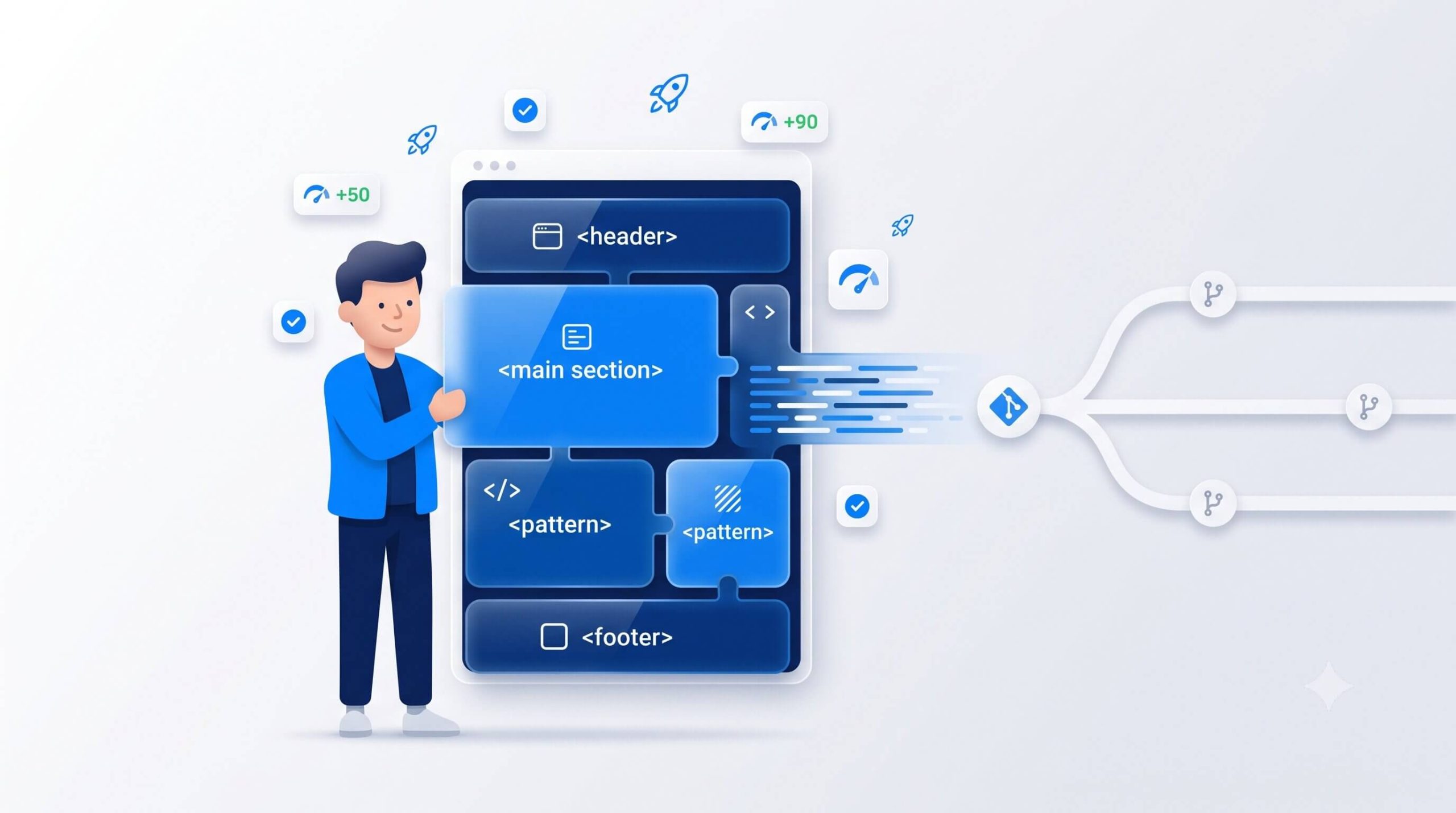
A much cleaner approach is building with the native WordPress block editor (Gutenberg) alongside a lightweight starter theme. Gutenberg stores standard HTML and native block comments directly in the main content area, preserving data portability.
By building custom block patterns or lightweight custom blocks, you give content managers the visual flexibility they want without ruining DOM depth, breaking Git deployments, or locking the site into a proprietary plugin ecosystem.
Need to Build the Business Case for Your Leadership Team?
If you’re convinced that heavy page builders are slowing down your dev workflow and creating technical debt, but you need your executive team on board, we can help bridge the gap. Send them our companion piece written specifically for executives.

The LuminFire team is an elite group of software developers, engineers, and technology leaders with nearly 40 years of industry know-how. Passionate about empowering growth-focused organizations, the team is dedicated to removing technical obstacles and sharing insights to help businesses become more effective, productive, and profitable.