

The global cybersecurity landscape has shifted into uncharted territory. In the past two weeks alone, the industry has absorbed three separate emergency-severity vulnerabilities across completely different parts of the stack, alongside synchronized, aggressive password-spraying campaigns targeting database servers across every industry. The CVEs are piling up faster than patch cycles can keep pace with them.
Internet-facing Claris FileMaker Servers are squarely in the crosshairs. Automated bots and AI-driven scanners are running around the clock, continuously probing IP blocks for misconfigured endpoints, unpatched dependencies, and weak credentials.
Behind the scenes, LuminFire has been working around the clock to protect our clients’ systems, neutralize unauthorized access attempts, and safeguard mission-critical data. In some urgent cases, safely taking a client’s exposed system offline temporarily has proven to be the lesser of two evils—unplanned downtime is frustrating, but an active breach leading to corrupted records, data exfiltration, or ransomware is far more expensive and destructive.
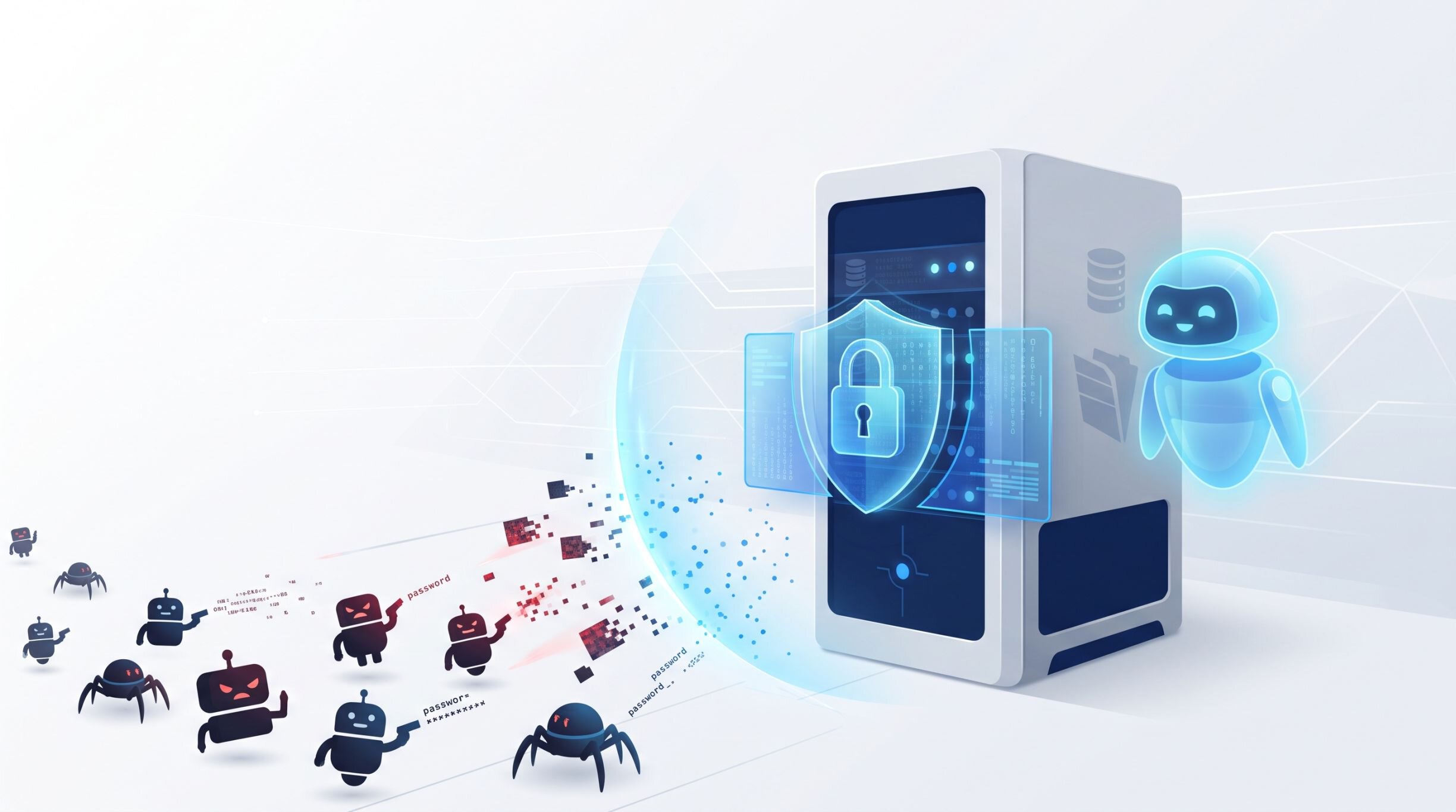
The good news: none of this is a vulnerability in the core Claris FileMaker software itself. The bad news: the stack underneath and around it—the OS, the web server, the integrations—is a different story, and that’s exactly what’s under fire right now.
It’s Not Just PHP: The CVE Pileup
Automated AI agents crawl millions of IP addresses continuously, identifying open ports, interrogating services, and launching multi-vector intrusions in seconds. Three separate, unrelated critical vulnerabilities are compounding the danger simultaneously:
- Global PHP remote code execution (“PHP2Shell”): Emergency security patches were released for critical PHP vulnerabilities that allow unauthenticated attackers to execute arbitrary code directly on a web host. Because many FileMaker environments interface with web components—legacy Custom Web Publishing (CWP), PHP-based Data API wrappers like fmPDA, WordPress sites integrated with FileMaker, or custom webhook listeners—unpatched web servers provide attackers an instant backdoor into the internal network.
- The Brotli decompression flaw (“Node2Shell” / “HTTP2Shell”): CVE-2026-111497 is a critical (CVSS 9.2) out-of-bounds write in the widely used Brotli compression library, triggered by a malformed compressed stream with no authentication required. It doesn’t just affect Node.js—Bun, Envoy and Istio proxies, Python, Java, and .NET applications that decompress Brotli are all exposed, which means any reverse proxy, API gateway, or Node-based integration sitting in front of a FileMaker environment is a potential entry point. Public proof-of-concept exploit code already exists.
- An unpatched Linux kernel TCP flaw: CVE-2026-98432, a race condition in the kernel’s TCP connection setup path rated as severe as 9.8 CVSS, was disclosed this week. As of this writing, Ubuntu (22.04, 24.04, 26.04, and 26.10) has no fix available yet—which matters directly to FileMaker Server for Linux deployments, since there’s currently nothing to patch even if you wanted to.
- Coordinated FileMaker password-spraying: On top of all three, attackers are running coordinated brute-force and password-spraying scripts across port 443. Rather than hammering a single account repeatedly (which can trigger lockouts), password-spraying tests a small batch of common passwords across many accounts and databases at once, hunting for default setups and open access points.
Here’s the real takeaway: you cannot patch your way out of this pace alone. When a critical remote-code-execution flaw can go from disclosure to a working exploit in days—and when some of these, like the kernel flaw, don’t even have a patch to apply yet—the only defense that holds up regardless of which CVE drops next is reducing what’s exposed in the first place: strict least-privilege access, and removing internet exposure from everything except the systems that genuinely need it.
Anatomy of a FileMaker Server Attack
Understanding how attackers compromise a FileMaker deployment highlights why surface-level security is no longer enough. The typical intrusion path follows three steps:
- Reconnaissance and endpoint discovery (port 443): Bots scan public IPv4 and IPv6 ranges for servers listening on web ports 80 and 443, probing for common FileMaker web endpoints like the Data API (
/fmi/data), OData, WebDirect (/fmi/webd), and XML gateways. - Cataloging hosted databases: If FileMaker Server is left with default settings, the server’s database catalog is often exposed. Attackers query the Data API or client endpoints to retrieve an exact manifest of every
.fmp12database hosted on the machine. - Exploiting guest access and default credentials: Once file names are mapped, scripts probe each one for an enabled
[Guest]account tied to extended privileges likefmdapiorfmwebdirect(instant, unauthenticated access), or run dictionaries of common administrative accounts against default or weak passwords.
If an attacker establishes an authenticated session, they can quietly extract proprietary business data, overwrite records, or inject malicious payload scripts.
Emergency Protocol: What to Do If You Suspect an Active Attack
If your server performance degrades suddenly or you suspect unauthorized activity, act immediately:
- Call the experts: Contact your IT department or a certified Claris Platinum Partner immediately—before anything else—to begin forensic analysis and perimeter lockdown.
- Take the server offline: In the Admin Console, enable Block New Users, and restrict or close port 443 at your network firewall to isolate the server from the open internet while keeping local internal connectivity intact.
- Then inspect your logs: Check Access.log and Event.log for rapid bursts of failed login attempts, unfamiliar usernames, or repeated queries from unknown external IPs. Check your web server logs too (W3C on IIS, or NGINX/Apache on Linux/macOS) for automated requests targeting
/fmi/data/....
The Master Hardening Blueprint
Securing your deployment requires defense-in-depth across the network perimeter, the FileMaker Server configuration, and the individual database files.
Perimeter and network lockdown (the most effective defense):
- Remove the server from the public internet: Require remote users to connect through an encrypted corporate VPN or Zero Trust Network Access (ZTNA) solution.
- Firewall IP allowlists: If a VPN is impractical, restrict inbound traffic on ports 443 and 5003 to an allowlist of approved, static IPs.
- Deploy a web application firewall: If your server must host public APIs or WebDirect portals, put an enterprise reverse proxy or WAF (such as Cloudflare or AWS WAF) in front of it to filter bot traffic and enforce rate limiting.
- Disable remote desktop and screen sharing: Never expose Windows RDP or macOS Screen Sharing directly to the public internet.
Immediate web and PHP remediation:
- Update PHP immediately: Upgrade to an actively supported, patched release—at minimum 8.2.35, 8.3.36, 8.4.27, or 8.5.12.
- Audit legacy code: Review all uses of FileMaker.php, fmPDA, or custom WordPress plugins communicating with your databases. If you can’t patch the runtime immediately, disconnect those web portals from the public internet until you can.
FileMaker Server-level hardening:
- Enable database filtering: Under Configuration > General Settings, turn on Filter Databases in Client Applications so the server conceals hosted database names until a user supplies valid credentials.
- Shut down unused services: Disable OData, XML, the Data API, or WebDirect in the Admin Console if your team doesn’t actively use them.
- Secure the Admin Console: Rotate the Admin Console credentials to a high-entropy passphrase, and restrict access with an IP allowlist.
- Keep server software current: Run the latest release of Claris FileMaker Server for ongoing platform security updates.
- Verify off-network backups: Confirm scheduled backups go to an isolated, immutable, off-network location, and test restoring them regularly.
Database file-level hardening (.fmp12):
- Eliminate guest access and auto-login: Verify the
[Guest]account is completely disabled on every hosted file, and that “Log in using” (auto-login) is off. - Audit extended privileges: Under Manage > Security > Extended Privileges, strip web privileges (
fmdapi,fmodata,fmxml,fmwebdirect) from every privilege set except those explicitly designated for secured, monitored integrations—[Full Access]accounts should never have them. - Enforce dedicated service accounts: Never reuse human user accounts for API keys or automated integrations; create dedicated service accounts limited to exactly what each integration needs.
- Never mix public and private schemas: If you need an unauthenticated public-facing portal, isolate it to a separate database containing only non-sensitive data, syncing validated inputs back to the core system.
- Enable Encryption at Rest: AES-256 EAR prevents bad actors from reading database records even if they steal the raw
.fmp12files. - Deprecate custom script-based logins: Replace credential checks against an internal table with FileMaker’s native account architecture or an external identity provider (OAuth 2.0 / OpenID Connect).
- Protect secrets and PII: Never store plaintext passwords or API secrets in FileMaker fields or log files—use a dedicated password manager or secrets manager instead.
Security Posture Comparison
| Security Vector | Vulnerable Configuration | Hardened Standard |
|---|---|---|
| Server exposure | Open to the public internet on ports 80, 443, 5003 | Behind a corporate VPN, IP allowlist, or enterprise WAF |
| Guest accounts | Active with fmdapi/fmwebdirect access |
Completely disabled across all hosted files |
| Database visibility | Broadcast publicly to any connecting client | Hidden until authenticated (Filter Databases on) |
| Admin Console | Exposed with default credentials | IP-restricted, unique high-entropy credentials |
| API privilege sets | [Full Access] accounts carry web API privileges |
Dedicated service accounts, least privilege |
| File storage | Unencrypted .fmp12 files |
AES-256 Encryption at Rest enforced |
| PHP components | Outdated versions (< 8.2.35) | Patched runtimes or migrated to native REST APIs |
| Disaster recovery | On-server backups only | Verified, air-gapped, off-network backups |
How LuminFire Can Help
Security is a continuous operational standard, not a one-time checkbox. If you’re unsure whether your FileMaker Server is properly locked down, if you suspect your endpoints have been scanned, or if your solution relies on legacy web connections that need modernizing, we’re here to help. We’re offering a free security consultation to evaluate your current risk profile and build a step-by-step action plan.
Want to see the full discussion this guide draws on? Watch Claris FileMaker Server Attacks with Todd and Wim.

The LuminFire team is an elite group of software developers, engineers, and technology leaders with nearly 40 years of industry know-how. Passionate about empowering growth-focused organizations, the team is dedicated to removing technical obstacles and sharing insights to help businesses become more effective, productive, and profitable.